
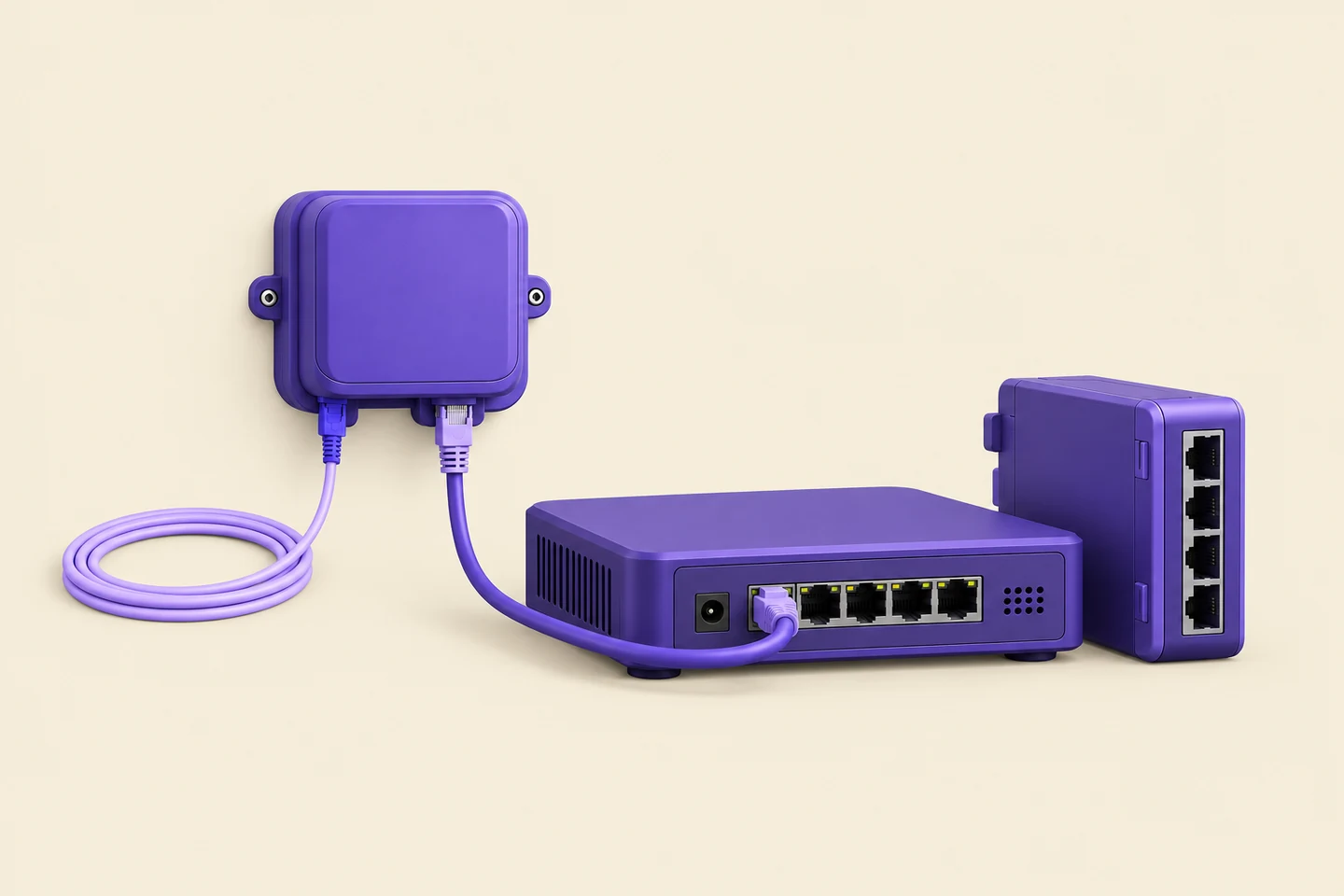
A useful business broadband checklist starts with the exact premises and the work the connection must support. Before choosing a package, confirm availability, upload and download needs, equipment, IP addressing, security responsibilities, support, failover and the cost of future changes. Ask for the answers in writing against the service being quoted.
The awkward gaps often sit between suppliers: the broadband is live, but nobody has configured the firewall; backup connects, but the payment terminal cannot use it; an upgrade is possible, but starts a new contract. This guide helps you turn those gaps into requirements before signing.
Use it whether you are renewing, moving office or comparing business broadband in the UK. Give every essential requirement an owner, an evidence reference and a status. “We think it is included” is an open question.
The Business Broadband Checklist at a Glance
- Premises: verify the full address, unit and proposed access technology.
- Workload: record simultaneous applications, uploads and busy periods.
- Handoff: confirm equipment, internal networking and IP requirements.
- Security: assign configuration, updates, monitoring and incident ownership.
- Support: separate reporting hours, response, restoration and remedies.
- Continuity: define essential work during a fault and test its backup route.
- Contract and Growth: compare the whole term, installation conditions, moves and upgrades.
- Acceptance: agree the tests and unresolved-item process before ordering.
Start with Vertu Connect’s business broadband service and ask for an address-specific proposal. The wider business connectivity options are useful when one access service may not cover the requirement.
1. Confirm Availability for the Exact Premises
Record the trading address, postcode, building name, floor and unit. Ask the supplier to match these to the service address on the order. For a multi-tenant building, check who can approve access to shared areas and the proposed cable route.
An available service at the next building is not proof that yours can be ordered. Openreach explains why neighbouring premises can have different Full Fibre availability. Ask the provider to distinguish a checker result, an accepted order and a confirmed installation milestone.
Request the actual access type, such as fibre to the premises (FTTP), and the proposed product. “Fibre” alone does not describe the complete service. Record any survey, permissions, building work, equipment placement or power requirements. Openreach’s installation checklist provides background; your supplier must confirm the scope for your site.
For an office move, plan the fallback if the new connection is not ready when staff arrive. Keep your internal move date separate from the supplier’s delivery milestones.
If you are progressing to a dedicated circuit, use our business leased line installation checklist to prepare site access, property permissions, the equipment handoff and acceptance tests before ordering.
2. Size the Connection Around Work, Including Uploads
Count concurrent tasks, not just employees. List cloud applications, video meetings, internet calls, file synchronisation, cloud backups, CCTV uploads, guest access and remote connections. Note which run together and which can be scheduled.
Ask for upload and download information separately, including what is estimated, committed or subject to a remedy. Agree where and how performance will be measured. A wired measurement at the agreed handoff and an application test across the office answer different questions.
Ofcom publishes voluntary broadband speeds codes, including business coverage. Check whether the provider and proposed product fall within the applicable code and request the relevant written speed information and remedy. Do not assume every business package has the same protection.
Write a Busy-Period Test
For example, a hypothetical design office might need to upload a client project while colleagues hold video meetings and use a cloud document system. Its requirement should describe those tasks and an acceptable completion window. A generic speed-per-person rule would miss the large upload.
Gather observations from your existing service where possible: when tasks slow down, whether wired devices are affected and what else is running. Ask IT to investigate the bottleneck before assuming a higher download tier will solve it. For internet telephony, include the call flows in our SIP trunking migration checklist.
3. Define Equipment and IP Addressing Before Ordering
Draw a simple ownership boundary: provider connection, fibre termination equipment, router or firewall, switches, wireless access points and business devices. Confirm what the installation includes and who connects each part. “Managed router” needs a defined scope.
Check router and firewall capacity with the required features enabled, available ports, compatibility with your existing network, and whether using your own equipment changes support or backup functionality. Include equipment ownership, licences, replacement arrangements and end-of-contract returns.
Ask Whether the Application Needs a Fixed Public Address
Ask IT and application suppliers about VPNs, supplier allowlists, remote access and any hosted services. Specify the required number and type of addresses, IPv4 or IPv6 needs, and whether carrier-grade NAT would conflict with a requirement. Do not buy static addresses simply because the connection is for a business.
Get the primary and backup addressing behaviour confirmed separately. If a source address changes during failover, an application that permits only the original address may need another approved arrangement. Keep IP plans in controlled technical records; do not publish remote-access details in a general procurement sheet.
4. Assign Security Responsibilities Explicitly
A broadband order is not a complete security plan. Ask which controls are included, which cost extra and which remain with your IT team. The NCSC’s small organisations guide covers devices, accounts, backups and recognising attacks beyond the access connection.
- Administration: who holds router and firewall access, approves changes and removes former administrators?
- Maintenance: who applies updates, tracks equipment support and restores a saved configuration?
- Separation: who configures and verifies staff, guest and operational-device access?
- Incidents: who monitors the agreed controls, receives alerts and coordinates the provider and IT team?
Record these responsibilities by role and organisation. For device maintenance, use the NCSC’s device-protection guidance as a starting point. Ask for the exact scope of any proposed firewall, filtering or DDoS service; avoid treating a feature name as proof of protection.
5. Separate Support Access From Restoration Commitments
Ask what happens if the connection fails at your busiest time. Who can report the fault, by which channel, and using what account reference? Keep a support route accessible without the failed connection.
Then separate four things: when the helpdesk accepts reports, when someone responds, the restoration target or commitment, and the remedy if the applicable commitment is missed. Check when the clock starts, working-hour definitions, exclusions, customer actions and escalation steps. An acknowledgement is not a repaired service.
Ask who investigates when the provider sees a working circuit but staff cannot reach an application. Agree the boundary between line diagnostics, router support, Wi-Fi, firewall configuration and the application supplier. A named escalation owner can prevent a fault becoming several disconnected tickets.
6. Define What Must Work During Failover
Write a reduced-service requirement: which calls, payments, orders or applications must continue, who needs access and what can wait. Then check the backup against that requirement, including coverage at its installed position, permitted use, capacity, addressing and equipment compatibility.
Product details matter. BT’s 4G Assure guidance says that product does not work in bridge mode and that guest Wi-Fi is unavailable while it uses the mobile connection. These are examples from that product’s documentation, not statements about Vertu Connect’s proposed service or every backup product.
Test the Work, Then Test the Return
Agree a controlled failover test with the technical owners. Check essential applications, VPN access, outbound calling, payment processing and required network segments. Record any session interruption and the steps users must take. Restore the main service and repeat the checks; successful switchover alone does not establish successful recovery.
Also identify shared dependencies. Two connections can still depend on one powered router, one internal switch or the same building entry. Ask for evidence of any claimed route diversity. Review power arrangements for the equipment needed by essential work.
If committed capacity or different service terms are necessary, include business leased lines in the evaluation and compare the actual proposed agreements. For access alternatives, see our fibre and satellite internet comparison.
7. Compare Contract Costs and Future Changes
Use the same comparison period for each quote. Separate recurring service charges, installation and survey conditions, equipment, licences, IP addresses, backup, managed services and any overlapping old-service bills. Record VAT treatment and price-change clauses rather than comparing unlike headline prices.
Ask what triggers billing and the minimum term, how notice and renewal work, and what charges or conditions apply to cancellation. Confirm the switching sequence and dependent voice or other services before authorising closure of an existing connection.
Check the Change You Are Most Likely to Need
Choose a realistic future event: more simultaneous calls, larger uploads, a second site or an office move. Ask whether it needs a configuration change, equipment replacement, new installation or new agreement. Record likely process steps, any quoted charges and whether the term restarts. “Scalable” is useful only when the next change is explained.
A Source-Linked Broadband Verification Matrix
Use confirmed, conditional, unresolved or not applicable for each requirement. Add an owner, document reference and check date. Public guidance explains the question; your quote, agreement and tests establish the answer for your business.
| Requirement | Evidence to Keep | Verification Route |
|---|---|---|
| Premises and Installation | Exact unit, product, order status, permissions and installation dependencies. | Openreach business guidance; supplier’s site-specific order. |
| Performance and Applications | Upload/download information, concurrent tasks, measurement point and acceptance criteria. | Ofcom codes where applicable; product documents and agreed tests. |
| Equipment and Addressing | Handoff diagram, supported configuration, management scope and primary/backup IP requirements. | Equipment documentation, application owners and written provider confirmation. |
| Security Ownership | Named roles for administration, updates, network separation and incidents. | NCSC guidance; agreed IT/provider responsibility record. |
| Support and Continuity | Reporting route, response/restoration terms, exclusions and essential-work failover/recovery results. | Actual SLA and backup documentation; controlled site tests. BT example of product-specific limits. |
| Contract and Growth | Whole-term charges, change clauses, move/upgrade process and approval conditions. | Final quote, applicable agreement and finance sign-off. |
Do not average away a failed essential requirement with attractive features elsewhere. A conditional answer needs a clear condition and an owner. Leave an unresolved essential item open until it is answered or the authorised business owner explicitly accepts the limitation.
Agree Acceptance Before Placing the Order
Keep three acceptance checks separate: the access connection works, the internal network works, and the essential business tasks work. Agree who records each result, how exceptions are handled and when the previous service can be closed under the confirmed switching plan.
Retain the final quote, agreement, equipment record, support contacts and test results. Review the requirements after a site move, material application change, equipment replacement or repeated performance problem.
Download the Business Broadband Buyer’s Checklist
The printable worksheet turns these business broadband questions into a site requirement record, a supplier evidence check and an approval decision. Use one copy per site and proposed service.
PDF · 2 PAGES
Your Broadband Requirements, in One Working Record
Record site checks, evidence, owners and approval conditions before ordering.
Download the Broadband Checklist
Opens the PDF in a new tab.
About This Checklist
This is an editorial planning tool based on Ofcom, Openreach, NCSC and public provider documentation reviewed on 19 October 2026, with AI-assisted research and drafting. Its contribution is the evidence-and-owner workflow, separate acceptance checks and a reduced-service failover requirement. It is not a provider survey or a report of hands-on testing. Confirm all address, product and contract details for your own order.
Frequently Asked Questions
What Should a Business Broadband Checklist Include?
Include exact-premises availability, upload and download needs, concurrent applications, equipment, IP addressing, security ownership, support terms, failover, contract costs and future changes. Keep an owner, evidence reference and status for every essential requirement.
How Much Broadband Speed Does My Business Need?
Base the requirement on simultaneous applications, uploads and busy-period work. Record acceptable task outcomes and ask the supplier for product-specific performance information. Headcount alone cannot establish the right package.
Does Full Fibre Availability Mean We Can Book Installation?
A checker result should be followed by provider confirmation for the exact premises and order. Record permissions, surveys and installation dependencies. Openreach directs business owners to their service provider for ordering and service questions.
Do We Need a Static IP Address?
Ask your IT team and application suppliers whether VPNs, allowlists, remote access or hosted services require fixed public addressing. Specify the requirement for the primary and backup connection separately; do not assume static IPs are included.
Does Business Broadband Include Security and a Guaranteed Fix Time?
Check the actual agreement. Confirm included controls, management responsibilities, support hours, response and restoration terms, exclusions and remedies separately. A business service label does not define those commitments.
Will Mobile Backup Keep All Our Applications Working?
That depends on the proposed product, signal, configuration and application requirements. Agree essential tasks, confirm limits and IP behaviour, then test failover and recovery with the technical owners. A connected backup does not prove that every application works.





Join The Conversation
Roughly how far ahead of an office move should you start these checks so the new connection's actually live before staff arrive?
Begin as soon as the move is agreed — ideally three to six months ahead. Standard broadband often takes a few weeks, but a leased line can run to several months once surveys, landlord permissions and construction works are factored in, so request a site-specific forecast early. Keep your move date separate from confirmed delivery milestones, and don't cancel the old service until cutover tests pass.
Where's the tipping point where a leased line becomes worth it over just getting a faster business broadband package?
There's no fixed speed threshold — the tipping point is when no broadband package can evidence something you genuinely need. Typical triggers are committed upload capacity, symmetric rates or contractual fault-handling terms, as this leased line versus broadband comparison sets out. If the real bottleneck is Wi-Fi or the firewall, though, a new circuit won't fix it.